Blur across every screen
Protect background windows on each connected display. Use Per Screen focus or one Global focus target.
 Veil
Veil
Screen Privacy App for Mac
Hide sensitive information during screen sharing. Keep one app clear.
A Mac screen sharing privacy app that blurs or dims background windows while keeping your active app clear. Turn it on before meetings, demos, or recordings.
See the difference
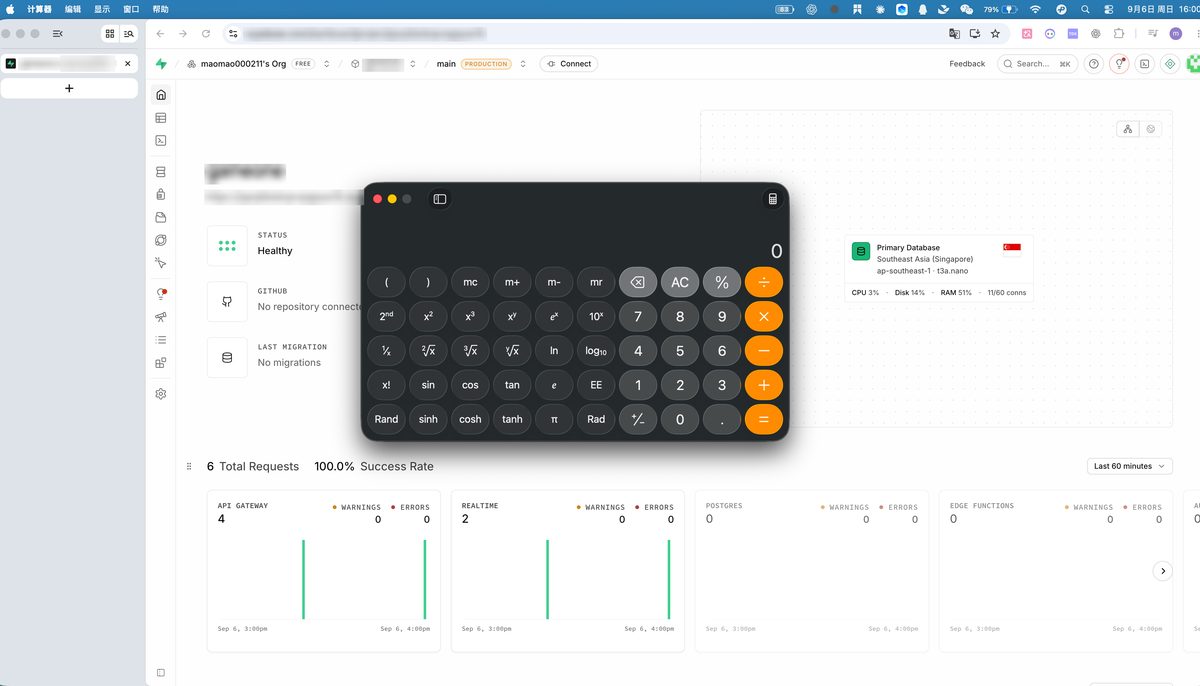
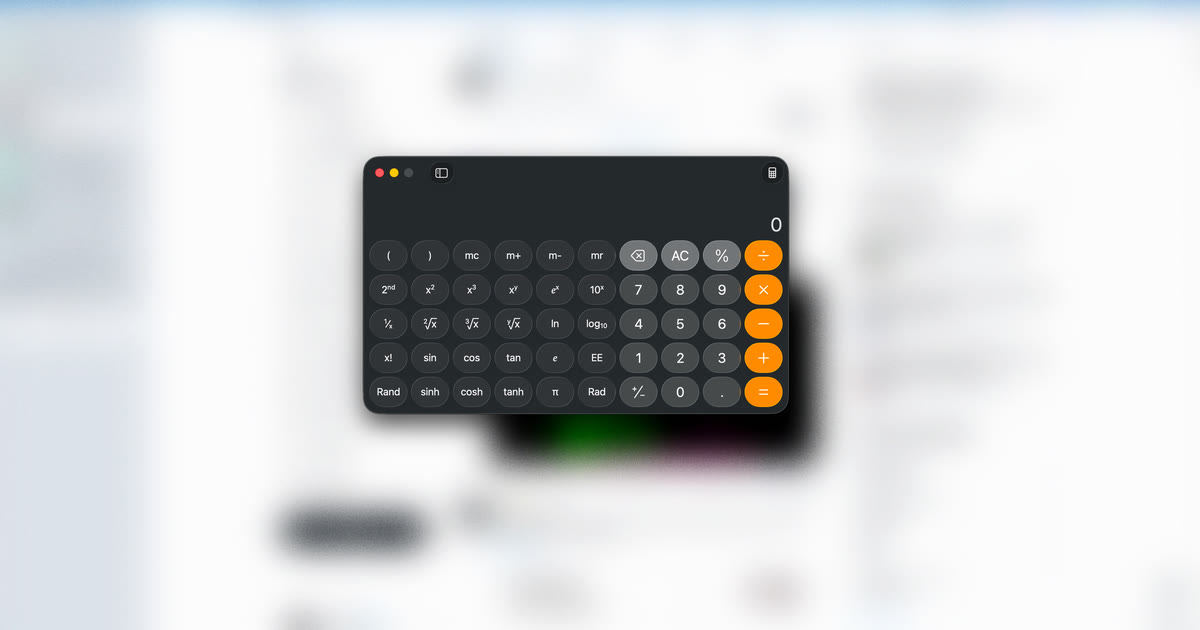
Without Veil, background windows—including sensitive documents, private messages, and confidential data—stay readable during screen sharing. With Veil, only the app you're presenting stays clear.
More control
Protect background windows on each connected display. Use Per Screen focus or one Global focus target.
Move your mouse left and right four times to turn Veil on or off, right when you need it.
How it works
Download and open Veil for Mac. It's signed and notarized by Apple.
Use the menu bar or four quick left-right mouse movements before your call or recording.
As you switch apps, Veil keeps the active window clear while blurring sensitive background content.
Guides
Pricing
One-time payment — no subscription. Less than a typical month of a subscription Mac utility.
Start with the free 3-day trial. Activate after purchase.
FAQ
Yes. Veil works with any screen sharing app. Toggle it on from the menu bar or with four quick left-right mouse movements before you share your screen. Veil does not auto-detect meetings.
No. Veil for Mac (veilformac.com) is a separate app distributed as a signed DMG. It is not the App Store app named "Veil-Focus & Screen Privacy."
After purchasing, you will receive a license key. Open Veil, go to Settings, and paste your key to activate. See the activation guide for details.
Veil includes a free 3-day trial. After that, a lifetime license costs $7.90 and unlocks the app on one Mac.
No. Veil focuses on blurring inactive windows. Use macOS Focus or Do Not Disturb to hide notifications during calls.